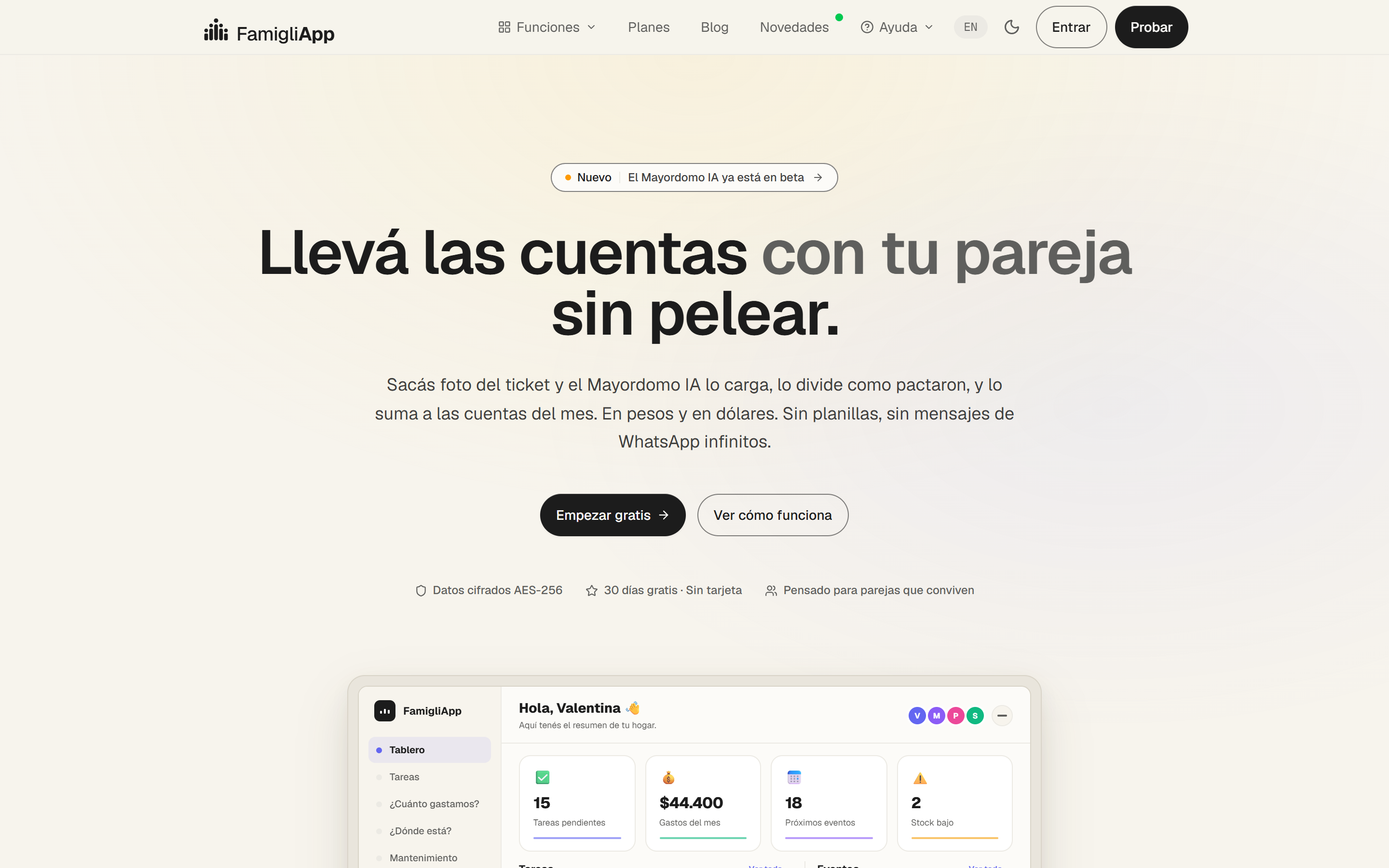
This is the part I am most curious about long-term.
Tokens
Color
Typography
Components
Spacing
Accessibility
A three-layer token architecture. Primitives never touch the UI: they flow up into semantic, theme-aware tokens, which are the only thing components consume. Change a primitive and the whole system re-themes.
01 · Primitives
Raw, context-free values. Never referenced directly in components.
primitive-black/100primitive-black/80primitive-black/7primitive-white/100
↓
02 · Semantic
Meaning-based and theme-aware (light / dark). The only layer the UI reads.
color/text-mainbackground-mainbackground-softdark/* mode
↓
03 · Component
Contextual tokens for one part, composed from semantic + spacing scales.
button-bgcard-surfacespacing/8
Brand
Cream#f7f4ed · page surface
Charcoal#1c1c1c · text / dark
Off-white#fcfbf8 · text on dark
Functional accents
Accent#f59e0a · highlights, focus
Mint#dbf2e3 · success surface
High#f25c5c · priority / alert
Low#63c957 · priority / done
Neutral · opacity of #1c1c1c
Light cream#eceae4 · dividers
Every gray is the same ink hue at different opacities, coherent by construction, not arbitrary hex. Never pure white.
Aa
Geist, the typeface behind the famigli.app product and website: a clean, low-contrast grotesk from Vercel. Highly legible, precise, engineered over decorative. Fallback: Geist Fallback, ui-sans-serif, system-ui, sans-serif.
Weight system
Three weights only, 400 / 500 / 600. Hierarchy comes from size + letter-spacing, not weight. 400 body / UI · 480 special display · 600 headings.
Scale
Display · 64 / 600 / -2.5%Your household, in order.
Section · 36 / 600 / -2.5%From ticket to balance
Title · 22 / 600 / -1%Shared, fair, effortless
Body · 18 / 400 / 1.5Comfortable reading rhythm at normal tracking.
Caption · 14 / 400 / 1.4Metadata & small print
Negative letter-spacing scales with size: -1.5 at 60 → -1.2 at 48 → -0.9 at 36 → normal at 16. Headlines compress; body stays open.
Buttons
PrimaryGhostCreamPill+
Primary carries the signature multi-layer inset shadow (white top hairline + dark ring), pressed-into-surface, not floating. Ghost = secondary, Cream = tertiary, Pill / Icon = toggles & quick actions.
Input & pills
Add a household task…
GroceriesRent split+ Add
Card & stat
Card
Cream surface, 1px #eceae4, 12px radius, no shadow.
60K+
Big-number pattern
Composed components
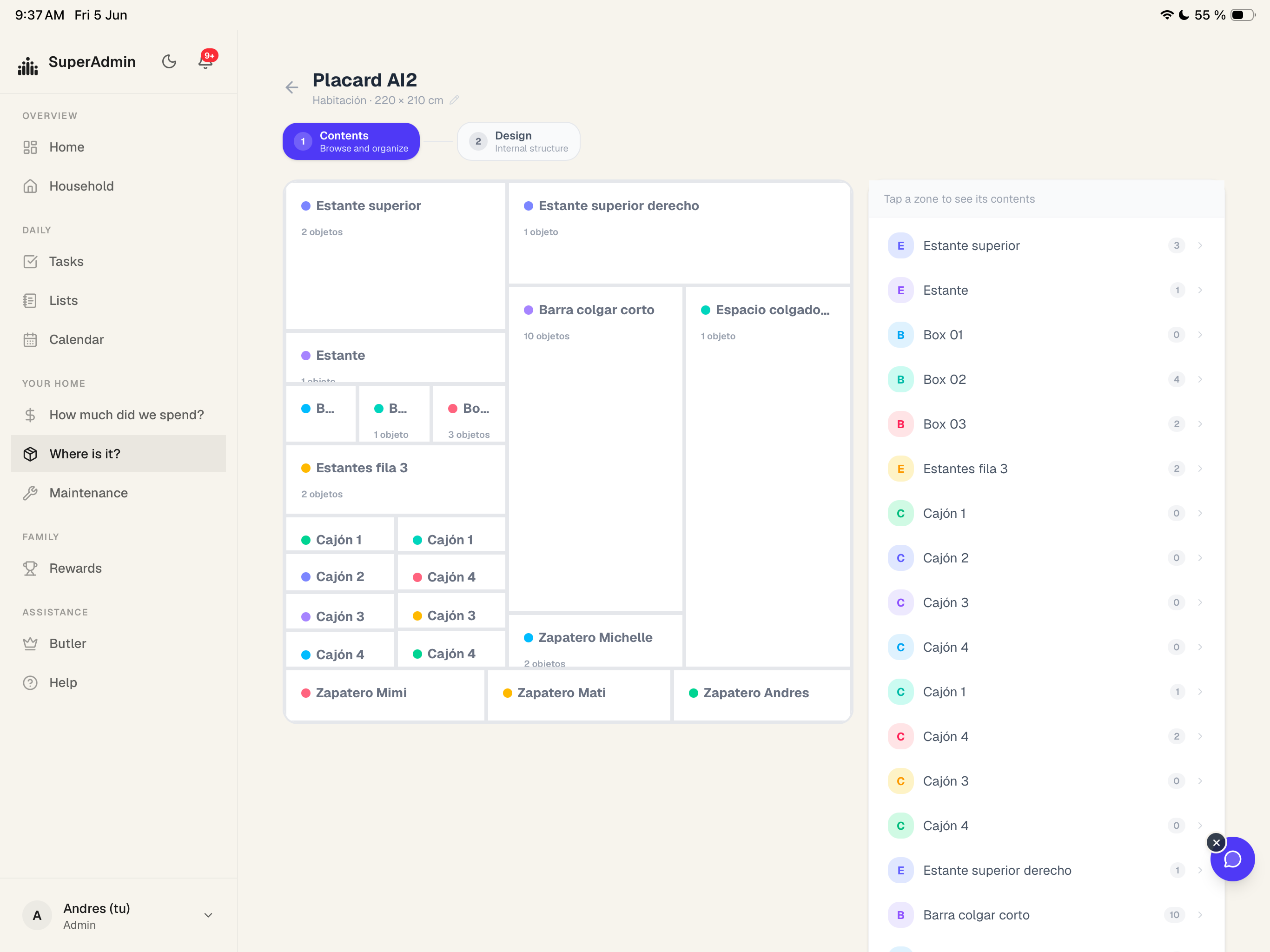
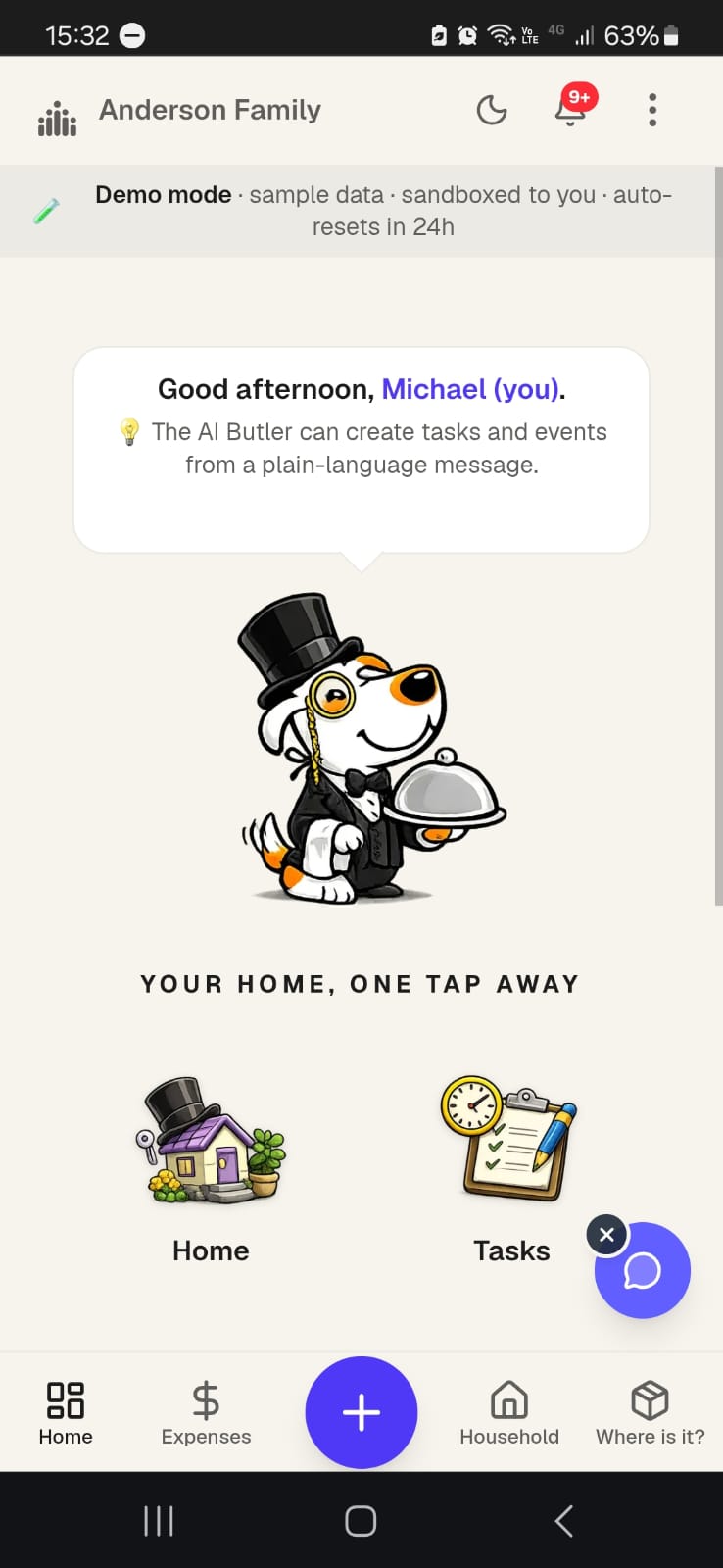
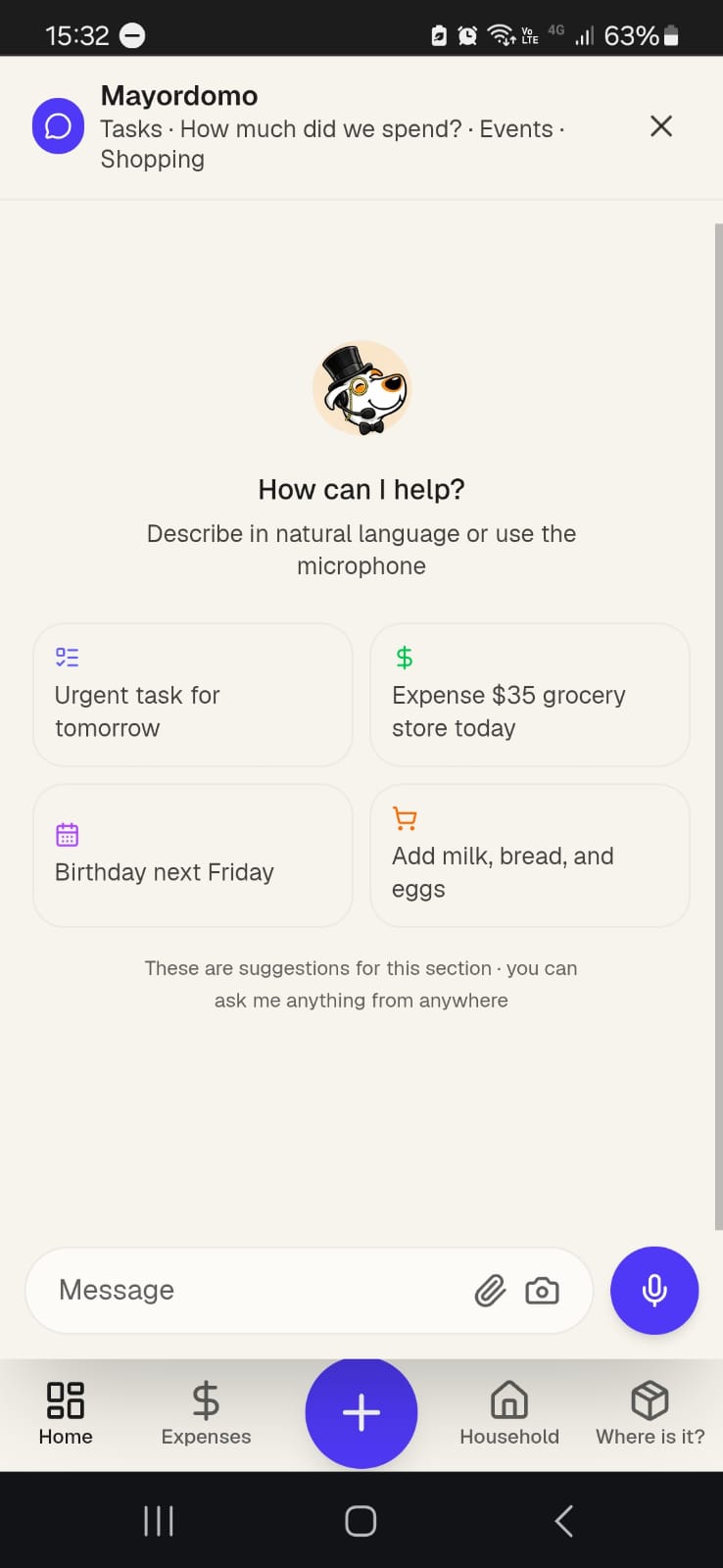
BentoHeroBentoFeatureCardBentoPhotoCardValuePropCardTestimonialCardAnnouncementPillFloatingChipCTABandIpadMockupPhoneMockup
Ten reusable blocks composed from the primitives above. One bento grammar, five persona voices, zero one-off layouts.
Spacing scale · 8px base · rem tokens
spacing/1tight chips, icon gaps4px · 0.25rem
spacing/2inline gaps8px · 0.5rem
spacing/3title → body12px · 0.75rem
spacing/4element gaps16px · 1rem
spacing/6sub-groups24px · 1.5rem
spacing/8card padding32px · 2rem
spacing/12block separation48px · 3rem
spacing/16grid gaps64px · 4rem
spacing/24section padding96px · 6rem
spacing/32major sections128px · 8rem
spacing/52hero / editorial208px · 13rem
Radius
4 · micro6 · buttons24 · panels12 · cards16 · containers9999 · pill
Elevation · borders over shadows
Flat
Bordered
Inset
Focus
Ring
Sections breathe at spacing/24–/32; cards pad at spacing/8; text gaps at spacing/3–/4. Depth stays shallow: borders contain, the dark-button inset is one tactile shadow, and a single lift (0 24px 60px -24px rgba(28,28,28,.25)) floats hero and photo cards.
Accessibility is built into the tokens, not bolted on. The system targets WCAG 2.1 AA in both light and dark.
Contrast · AA
Text meets ≥4.5:1 (≥3:1 for large). The primary button went from 3.5:1 to 4.8:1 when the palette moved purple → green.
Focus visible
A soft 12px focus shadow plus a 2px blue keyboard ring. outline:0 is never used without a replacement.
Touch targets
≥44×44px. Buttons pad 8/16px; pills use full radius for large, forgiving tap areas.
Reduced motion
Scroll reveals, metric count-ups and the cadence chart all honour prefers-reduced-motion.
Semantics
Real h1–h4 hierarchy, descriptive alt text, labelled fields; ARIA only where native semantics fall short.
Theming
Light & dark are both contrast-validated, semantic tokens flip, ratios hold.
Contrast checker · real WCAG ratios
Aa
Charcoal / Cream15.5:1AAA
Aa
Off-white / Charcoal16.5:1AAA
Aa
Charcoal / Green7.68:1AAA
Aa
Body 82% / Cream9.0:1AAA
Aa
Ring blue / Charcoal4.63:1AA
Computed with the WCAG relative-luminance formula. Target AA (≥4.5:1 body, ≥3:1 large), most pairs clear AAA (≥7:1).
.jpeg)